
Short-form storytelling
Structure a complete scene with setup, action, and a satisfying final beat.
Sign in to claim 100 starter credits and begin creating
Seedance 2.5 at a glance
The model’s published capabilities support richer scenes, stronger references, and more precise changes.
A single generation can carry a connected audio-video sequence across multiple shots.
The model accepts up to 30 images, 10 video clips, and 10 audio clips in one request.
Use timestamps to direct specific moments and refine the parts that need attention.
One idea, multiple moments
Seedance 2.5 is designed to organize actions and scene changes into a coherent sequence. Start with a beginning, a change, and an ending instead of describing only one frame.
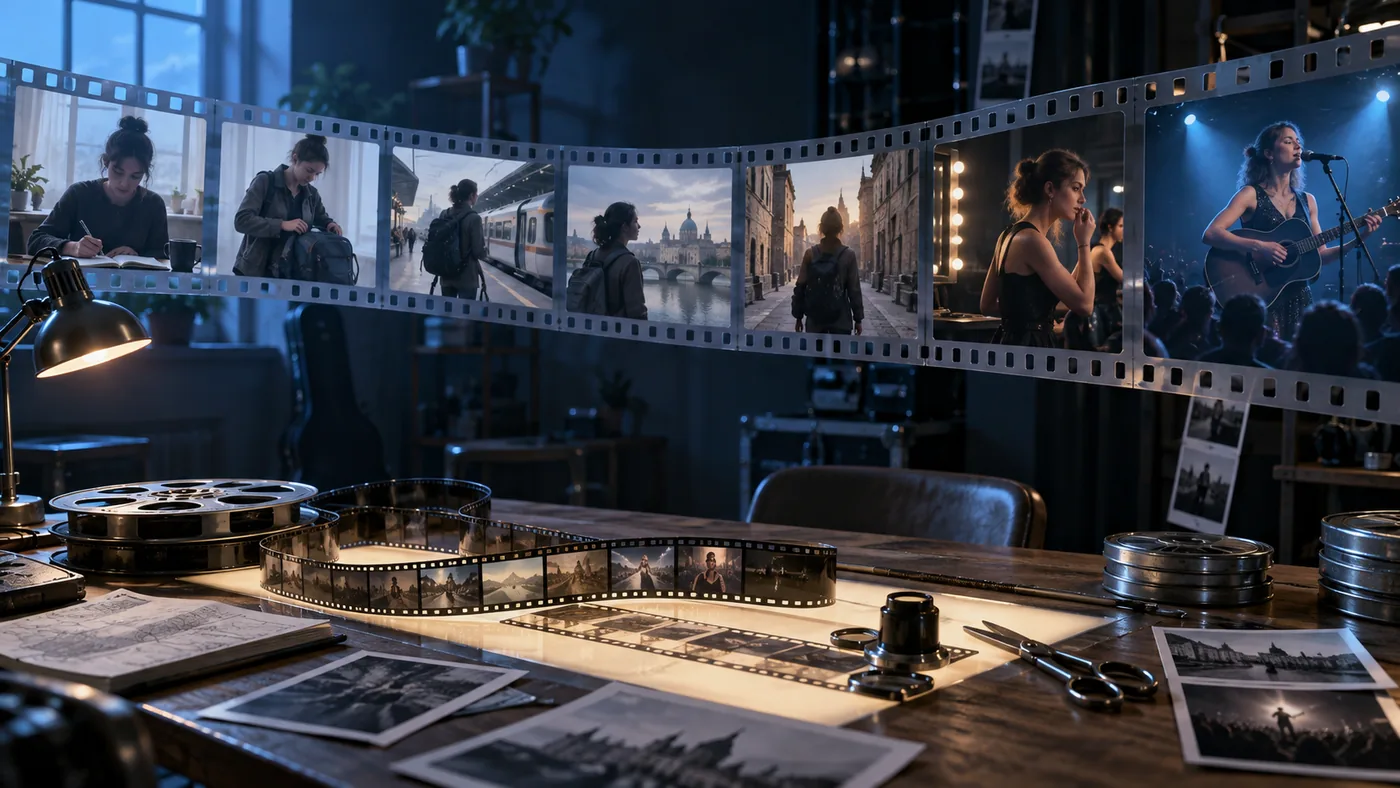
Describe what the viewer sees first, how the action develops, and where the scene resolves.
Use clear character and setting cues so a sequence holds together through camera moves and scene changes.
Plan dialogue, music, and ambient cues alongside the visual action in an audio-video brief.
The model supports further extensions, allowing a continuing narrative beyond the first clip.
Control through reference
Reference inputs can guide visual identity, motion, staging, and sound. Tell the model what each source should contribute.
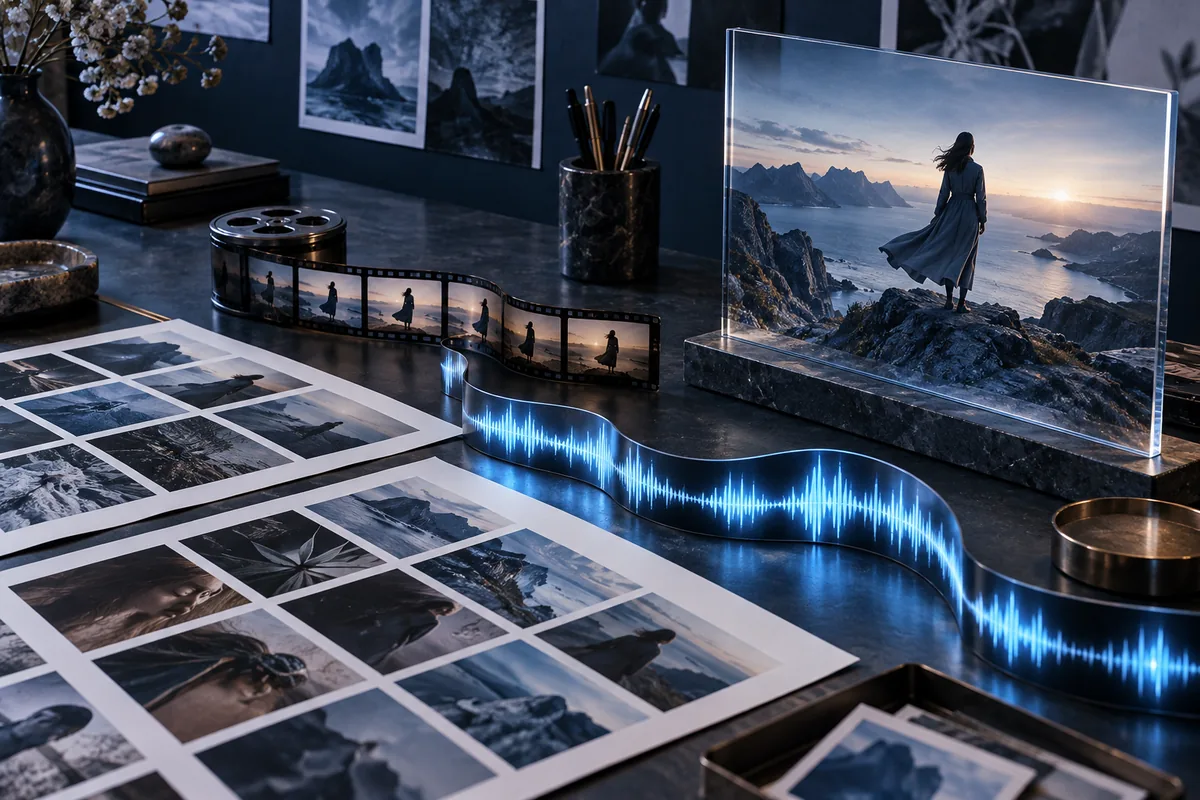
Use images for subjects, settings, composition, materials, and lighting; specify what should stay consistent.
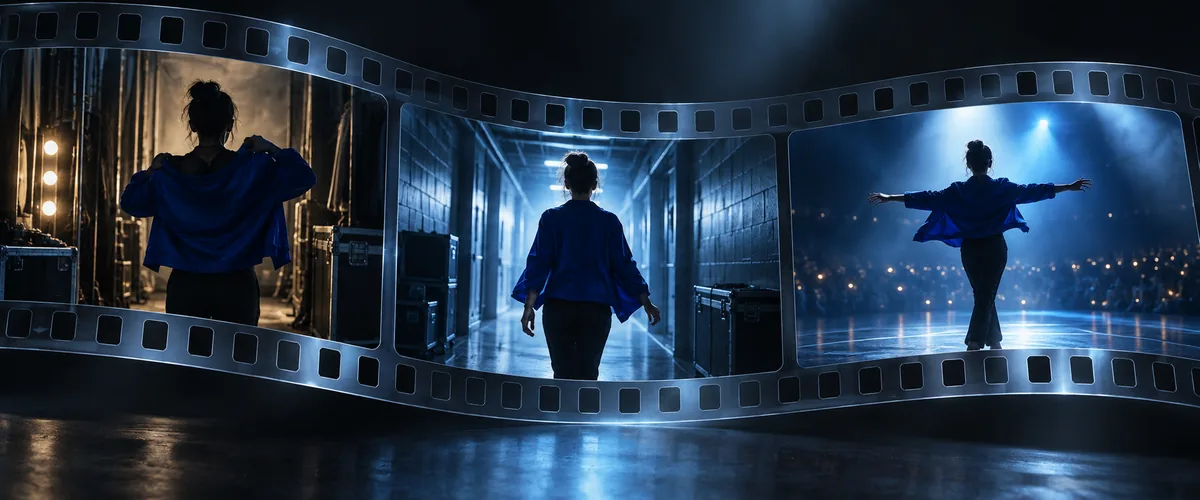
Use video references to describe movement and camera behavior while preserving the intended subject and style.
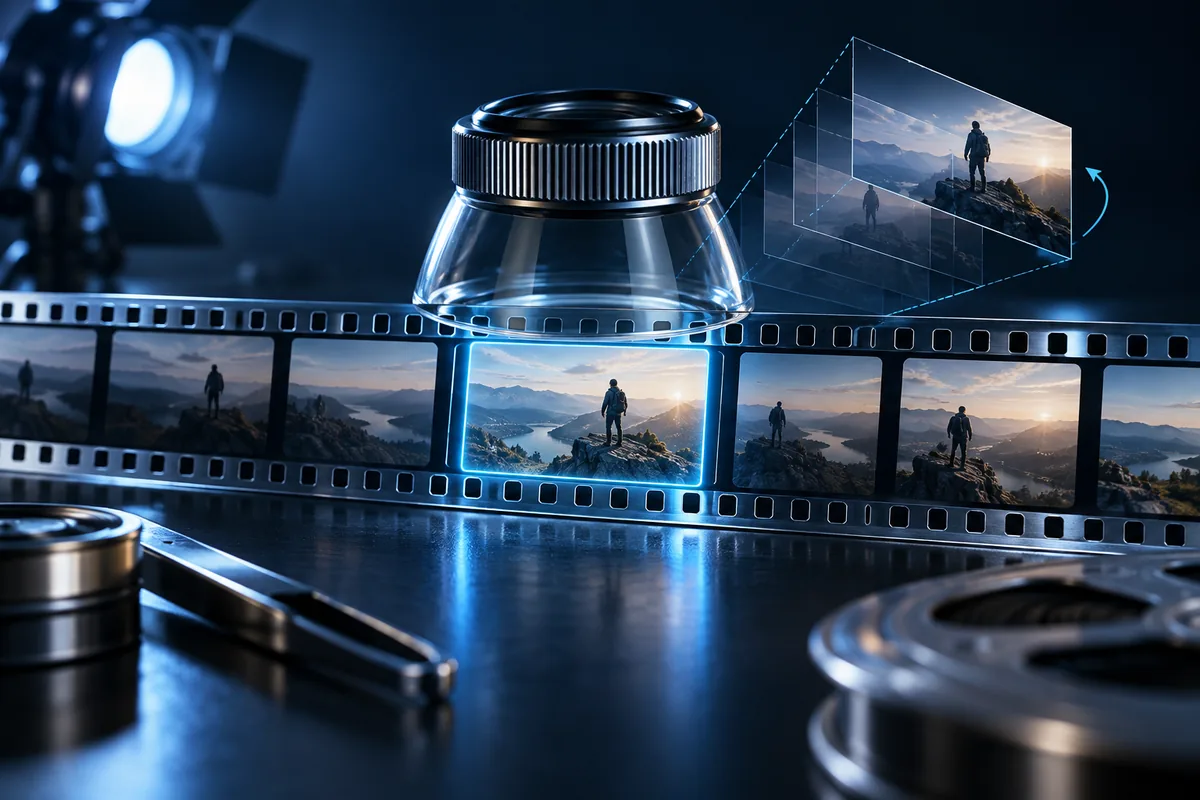
Use timestamped directions to adjust a shot, action, or viewpoint without rewriting the entire story.
A practical way to start
A clear brief helps you judge the result and decide what to change next.
Start with the story, audience, and format: an ad concept, social clip, scene study, or short narrative.
Name the subject, first shot, key movement, transition, and final moment.
Assign a specific job to each image, video, or audio reference instead of uploading material without direction.
Check continuity, timing, sound, and small visual details; revise the moment that matters most.
Where the model helps
Use longer narrative and reference control when the sequence matters as much as the opening frame.
Structure a complete scene with setup, action, and a satisfying final beat.
Explore a product or brand narrative through connected moments before committing to production.
Develop a visual hook, transition, and ending for a concise social format.
Keep a recognizable subject and performance direction through changing locations and camera moves.
Test blocking, camera perspective, and lighting before a live shoot or animation pass.
Focus edits on a particular interval, viewpoint, or background while reviewing the surrounding continuity.
Seedance 2.5 questions
Useful details about the model and how to write a more directed brief.
Seedance 2.5 is ByteDance Seed’s audio-video generation model focused on longer storytelling, multimodal references, and precise editing.
ByteDance Seed documents up to 30 seconds in a single generation, with support for extending a sequence. The available controls and cost in the workspace depend on the selected settings.
The published model capability allows up to 30 images, 10 videos, and 10 audio clips in one request. Give every reference a clear purpose, such as subject, motion, scene, or sound.
The model supports timestamp-level instructions for story beats and targeted edits. State the time range, desired change, and what should remain the same.
Yes. Its longer-form design aims to connect shots and scene changes while maintaining subject, environment, and audiovisual continuity. Review each result before publishing.
Describe the subject, setting, action, camera movement, lighting, sound, and ending. For a complex sequence, break the direction into timed beats.
Choose a credit plan for your video ideas, from occasional scene tests to ongoing creative work.
Cancel anytime
Make the next scene count
Bring a clear story beat and the references that matter. Select Seedance 2.5 in the workspace, then review the output and refine your direction.